Connect Your Watch, Your Scale, Your Sleep. Make Your Coach 10x Smarter.
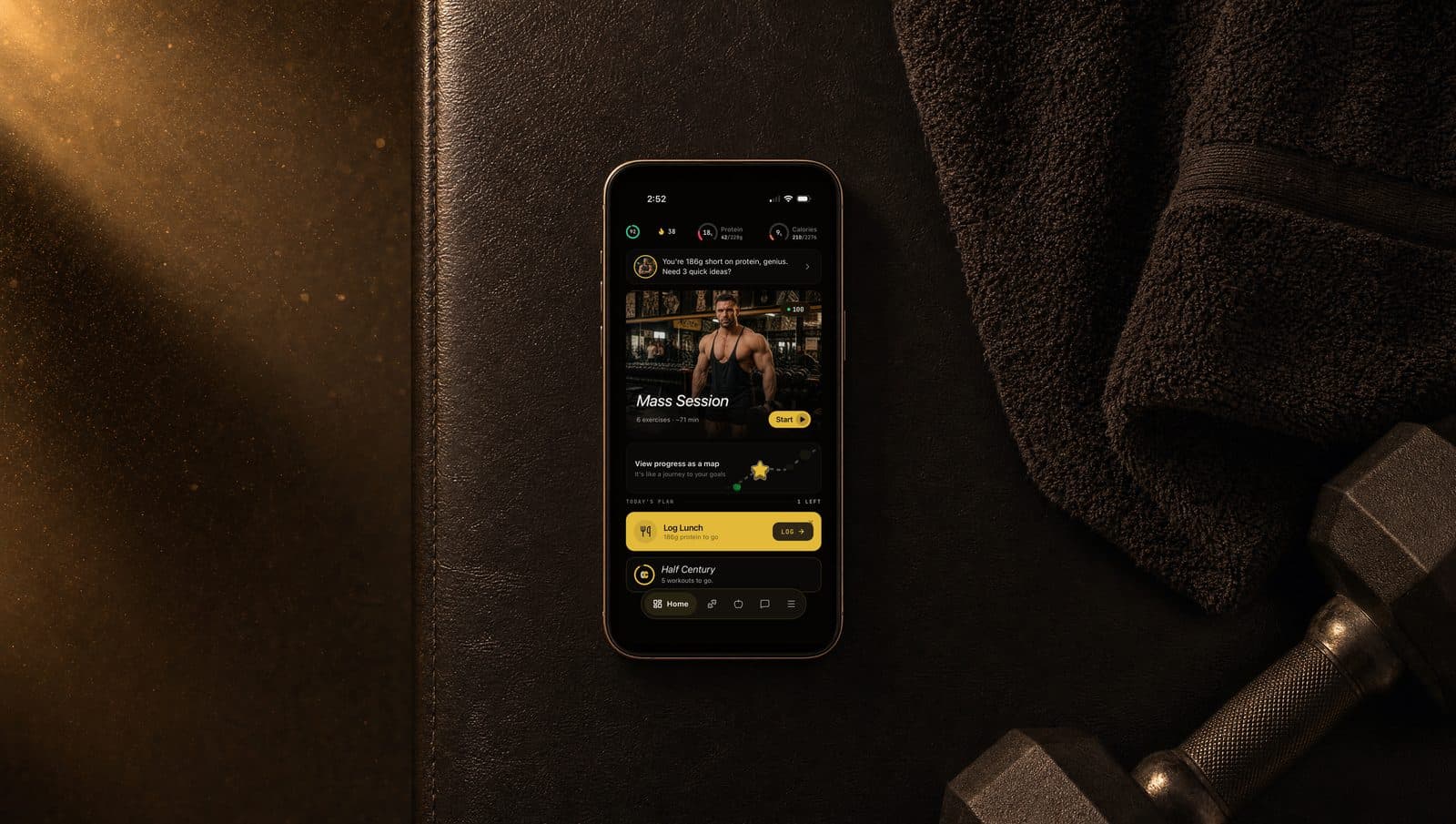
Connect Your Watch, Your Scale, Your Sleep. Make Your Coach 10x Smarter.
Your coach without health data is reading a single sentence and guessing the rest of the book.
Your coach with health data is reading the whole book.
The difference is one toggle, 30 seconds, no recurring effort. Once you connect, sleep flows in, weight syncs, your HRV gets watched, and your weekly adjustments stop guessing about how you actually recovered.
Here is what changes the moment you connect, and how to do it on iPhone or Android.
What the coach can see once you're connected
You're not handing over a medical record. You're handing over a small, useful slice of training-relevant signals.
The two platforms are not equivalent today. iPhone gets the full set. On Android we currently read activity only, and we say so here rather than let you find out by waiting for data that will not arrive.
| Category | What syncs | iPhone | Android | |----------|------------|--------|---------| | Activity | Daily step count, active calories burned | Yes | Yes | | Workouts | Type, duration, average heart rate, source app | Yes | Yes | | Heart | Resting heart rate, heart rate variability (HRV), VO2 max | Yes | Not yet | | Body | Bodyweight, body fat percentage, BMI | Yes | Not yet | | Sleep | Total time asleep each night | Yes | Not yet | | Nutrition | Meal entries with calories and macros, from any app that writes to Apple Health | Yes | Not yet | | Cycle | Period start days only, if you choose to share them | Yes | Not yet |
We read total sleep time, not sleep stages. Deep, REM and light are not something the coach uses.
No location data. No medical records. Cycle tracking is the one reproductive-health category we read, it is entirely optional, and only the resulting phase is ever stored: the dates themselves never leave your phone.
What devices and apps actually work
You don't connect each device individually. You connect your health platform once. Then every device or app that writes to that platform automatically flows through.
On iPhone, Apple Health is the hub. Anything that writes to it works:
- Apple Watch (steps, heart rate, HRV, workouts, calories)
- Oura Ring (resting HR, HRV, sleep)
- Whoop (heart rate, resting HR, workouts)
- Smart scales like Withings, Renpho, and Eufy (bodyweight, body fat percentage)
- MyFitnessPal, Cronometer, Lose It, Lifesum, and FatSecret for nutrition
We read the underlying measurements these devices write, not their own scores. Whoop strain and Oura readiness stay in those apps; your coach computes its own readiness from HRV, resting heart rate and sleep.
On Android, Health Connect is the hub, and today we read steps, active calories and workouts from it. Fitbit, Samsung Health, Google Fit and similar apps feed those through. Most phones on Android 14 or newer have Health Connect built in. If yours doesn't, the app prompts you to grab it from the Play Store.
Connecting takes 30 seconds
- Open Settings inside the app, or hit the prompt during onboarding.
- Tap Connect Apple Health (iOS) or Connect Health Connect (Android).
- Toggle on the data categories you want to share.
- Approve. Your next dashboard load triggers the first sync.
On iPhone, the permission sheet is the only place read access can be granted, and iOS never tells an app which toggles you left off. If you approve the sheet but leave the categories off, we detect that nothing is arriving and say so rather than claiming you are connected.
Apple Watch users should also check Apple Health under Data Access and Devices to confirm the watch is the preferred heart rate source. Otherwise iPhone-based passive readings outrank it.
If a data type says "No data today"
That means we looked and found nothing. It can mean the permission for that category is off, or simply that nothing has been recorded yet, and from inside the app those two look identical: Apple Health returns an empty result either way rather than telling us access was denied.
Tap the row, then tap Open Health. You land on your list of apps and devices. Tap CreatorClone, turn on the categories you want, and come back. We re-check as soon as you return.
What actually changes once you connect
Three things in your coaching get measurably better.
Recovery becomes data, not a feeling. HRV and resting heart rate are the two most useful non-invasive recovery markers consumer wearables produce. Low HRV with elevated resting HR for a few days running is a real signal your body is under-recovering. Your coach sees that signal and pulls back volume or flags a deload before you notice the symptoms yourself.
Weekly adjustments get smarter. The weekly engine rewrites next week's plan from your last seven days of data. Without health connect, that data is your workout logs and check-ins. With it, the engine also sees your sleep trends, your step counts (a proxy for non-training activity and recovery), and your nutrition adherence. Volume calls get more accurate.
Weight tracking goes on autopilot. If your scale writes to your health platform, you never enter weight manually again. The app pulls it daily, builds your trend graph, and recalculates your calorie targets when your bodyweight drifts. A reading older than the one we already have is refused, so a manual weigh-in is never overwritten by a stale sample replayed from your watch.
You can keep using your favorite food tracker
A common worry: "I already track food in MyFitnessPal. Do I have to start over?"
No. If your food tracking app writes to Apple Health, your meal entries flow through to your coach with full macros, exactly as you logged them. Keep your existing habit. The coach gets the same data either way.
If you log food in both places, we do not merge them. On any day you have logged food yourself in the app, the imported entries are skipped entirely for that day, so a meal never counts twice. Your own entries always win. You can change this under Settings if you would rather have both, or neither.
Historical import gives your coach a running start
When you first connect on iPhone, the app can backfill past weight, nutrition and resting heart rate from Apple Health.
Weight history populates your trend graph from day one instead of starting at a single point. Nutrition history gives the coach a baseline of how you actually eat. Resting heart rate trends from the last few weeks become reference points for your "normal."
Backfill is opt-in, and it skips any day you had already logged yourself rather than writing over it. If a run reports that nothing was added, that is usually why. Historical import is iPhone only for now.
Privacy basics
- The app reads only the categories you toggled on. Nothing else.
- Health data is never sold, never shared with advertisers, never used for anything besides your coaching.
- Syncs run when you open the app. On iPhone we also listen for new meal entries so food you log elsewhere shows up without you opening the dashboard first.
- The one thing we write back is your weight, so a weigh-in logged here matches everywhere else.
- To stop sharing, turn the categories off in Apple Health or Health Connect. There is no disconnect button inside the app: those platforms own the grant, and a switch here that could not actually revoke it would be worse than none. Deleting your account wipes the data with no leftover copies.
What to do next
Open Settings inside the app. Find Health Data. Tap connect.
Then walk away. The next time you open your dashboard, your steps and recent workouts will already be there. Within a week, your sleep and HRV trends start showing up in your Stats tab, under Recovery.