How Your Personalized Training Program Gets Built
How Your Personalized Training Program Gets Built
Most fitness apps call themselves "personalized" and then hand 100,000 users the same six templates.
That's not personalization. That's a quiz.
Real personalization means the exercises in your program were picked for your body, your schedule, and your goal. The volume was calibrated to your training age. The weights you start with were calculated from what you can probably handle today, not what some generic beginner can.
Here is what actually happens between the moment you finish onboarding and the moment your dashboard loads.
The three things that actually personalize a program
A program is personalized when three inputs drive every downstream decision.
Goal. Strength, hypertrophy, fat loss, recomp, athletic performance. Different goals produce different rep ranges, different rest periods, different cardio doses, different weekly splits.
Training age. A six-month lifter and a six-year lifter cannot run the same volume. The engine assigns starting volume based on where you fall on the experience curve from your onboarding answer.
Constraints. Days available, equipment at hand, joints you flagged as cranky. Each constraint subtracts exercises from the pool the engine can pick from.
Most apps personalize one of these. Maybe two. We use all three on every single exercise selection.
How the engine picks your exercises
The program build is a three-phase pipeline. It runs in the background after you submit onboarding, usually in 30 to 60 seconds.
Phase one: split design. The engine looks at your goal, your training age, and your available days. It picks the weekly split. Three days lean toward full-body. Four to five days lean toward upper/lower or push/pull/legs. Six days only get assigned to advanced lifters who chose powerbuilding or strength.
Phase two: exercise selection. For each day, the engine pulls from an exercise library and filters. Bad shoulder? Overhead press swaps for landmine press or incline machine. No bench? Floor press subs in. No barbells? Dumbbell variations carry the load. Beginner? Free-weight variations get more conservative ranges. Advanced? You get higher-skill variations and more variety.
Phase three: prescription. Every exercise gets sets, reps, target RPE, and a starting weight estimate. The starting weight is computed from your bodyweight, sex, and experience level using strength standards. It is intentionally conservative. The first session is a calibration session, not a one-rep-max test.
Periodization: why your program changes every week
Your program is not a fixed list of exercises. It's a moving target.
Volume climbs across weeks one through three or four. Then the engine forces a deload, drops volume by 40 to 50 percent, and rebuilds.
This is called periodization, and it's the difference between a program that works for six weeks and a program that works for six months.
The engine ramps your volume because adaptation requires progressive stress. The engine deloads you because compound stress accumulates faster than you can feel it. Skip the deload and you stall. Hit the deload and you come back stronger every cycle.
If you're skeptical, watch it happen in real time.
What the engine doesn't randomize
A few things are locked across every program the engine builds.
Compound lifts anchor every program. Squat, hinge, push, pull, carry. Some variation of each. No exceptions, even for advanced bodybuilding programs.
Volume stays inside scientific landmarks. The engine targets working sets per muscle per week inside the MEV to MAV window. It will not assign 30 sets per muscle per week even if you ask for it.
Rest periods match the goal. Strength sets get 3 to 5 minute rest. Hypertrophy sets get 1.5 to 3 minute rest. Conditioning sets get 30 to 90 second rest. You can't shortcut this without compromising the adaptation.
Recovery is built in. The engine schedules at least one full rest day per week for every program, even six-day splits.
How regeneration actually works
Your program isn't built once and frozen. It rebuilds itself.
Every week the engine pulls your last seven days of data: which workouts you completed, how the RPE felt, your sleep average, your soreness check-ins, any nutrition data from your meal logs. It runs that through a weekly adjust pass and rewrites next week's exercises.
Volume goes up if your RPE stayed at target. Volume holds or pulls back if RPE drifted too high. Exercises rotate if the engine sees a stalled lift. Deload weeks trigger automatically when accumulated fatigue crosses a threshold.
You don't have to do anything to make this happen. Just train and check in. The engine does the rest.
What to do next
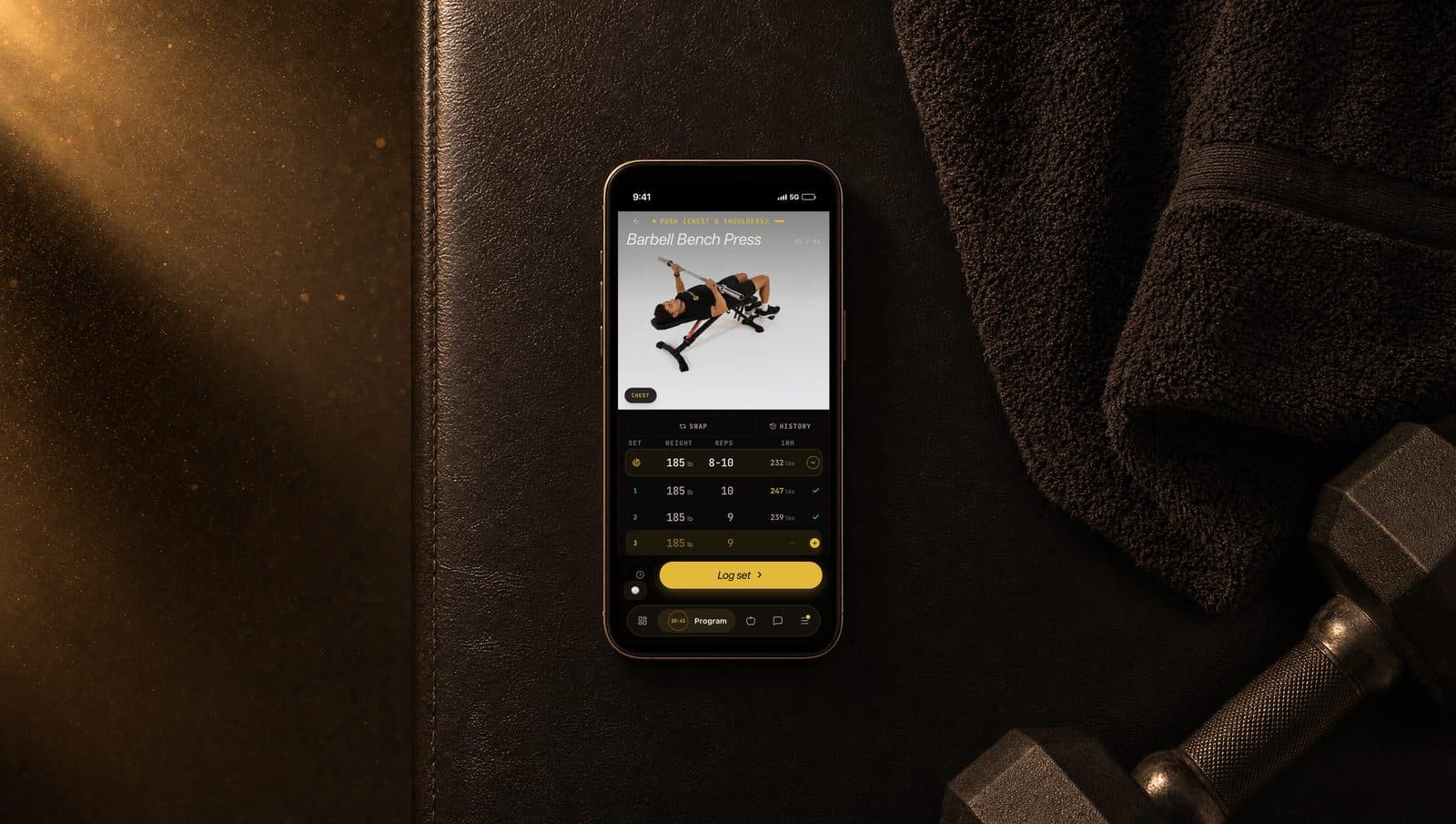
Open the Program tab and look at week one. Tap one exercise card to see the sets, reps, and starting weight. That weight is your conservative starting load for the first session.
If anything in your program looks wrong (a movement that's clearly off for your body, an injury you forgot to flag, a day count that doesn't match your schedule), open your Profile tab and update the relevant answer. The program regenerates within minutes.