Log Food in 5 Seconds. Five Ways to Do It.
Log Food in 5 Seconds. Five Ways to Do It.
The reason you stopped using your last food tracker is the same reason everyone stops: logging took too long.
Type the food. Pick from 14 search results that look identical. Estimate the portion. Repeat for the side and the drink. By the time you're done, your meal is cold and you're considering not logging dinner.
This one is built to take under 5 seconds per food. Five different ways to log, each optimized for a different real-life moment. Pick whichever is fastest for what you're eating.
Food logging is part of the Meal Plan tab. Requires Standard or Concierge tier.
Five paths, pick the one that's fastest right now
Search the database. Type a name. Get results in milliseconds against the FatSecret database (millions of foods, branded items, restaurant menus). Pick a serving size. Done.
Scan a barcode. Point your camera at any packaged food. The app pulls the manufacturer's exact nutrition label and pre-fills everything. Most accurate path for anything in a wrapper.
Snap a photo. When neither search nor scan is practical (home cooking, mixed restaurant plate, buffet), take a photo. The AI vision model estimates the food and macros. You review and edit before saving.
Quick-add from your meal plan. If you ate the meal you were scheduled to eat, tap it in your plan. The macros log instantly with no further input. Single tap.
Manual entry. When you already know the numbers (custom recipe, homemade shake, supplement). Type the name and the four macros. Save.
Three rules to pick the right path:
- If it has a barcode, scan it. Highest accuracy.
- If it's the meal you planned, tap from the plan. Fastest.
- If it's a mystery plate, photograph it.
What gets saved on every entry
Every food log captures the same fields regardless of which path you used:
- Food name.
- Macros. Calories, protein, carbs, fat.
- Serving size. What portion you actually ate.
- Meal type. Breakfast, lunch, dinner, snack.
- Source. Which logging path created the entry (search, barcode, photo, manual, health platform import).
- Timestamp.
- Meal plan link. If the food matched a meal in your current plan, the entry auto-links to it.
This structured data is what your coach reads when you ask "how did my nutrition look this week?"
Already use MyFitnessPal or Cronometer? Keep using them.
You don't have to abandon your existing food tracker.
MyFitnessPal, Cronometer, Lose It, FatSecret (the app), and similar apps write nutrition data to your phone's health platform (Apple Health on iPhone, Health Connect on Android). Once you connect your health platform to this app, those meal entries flow through as imported food logs.
Same macros. Same totals. Tagged as imports so dedup logic knows they came from elsewhere.
If you log food in two places (in another app AND inside this one), the system deduplicates by source and timestamp so the same meal doesn't double-count.
How your food logs change your coaching
Logging isn't a journal exercise. Every entry actively shapes what your coach does.
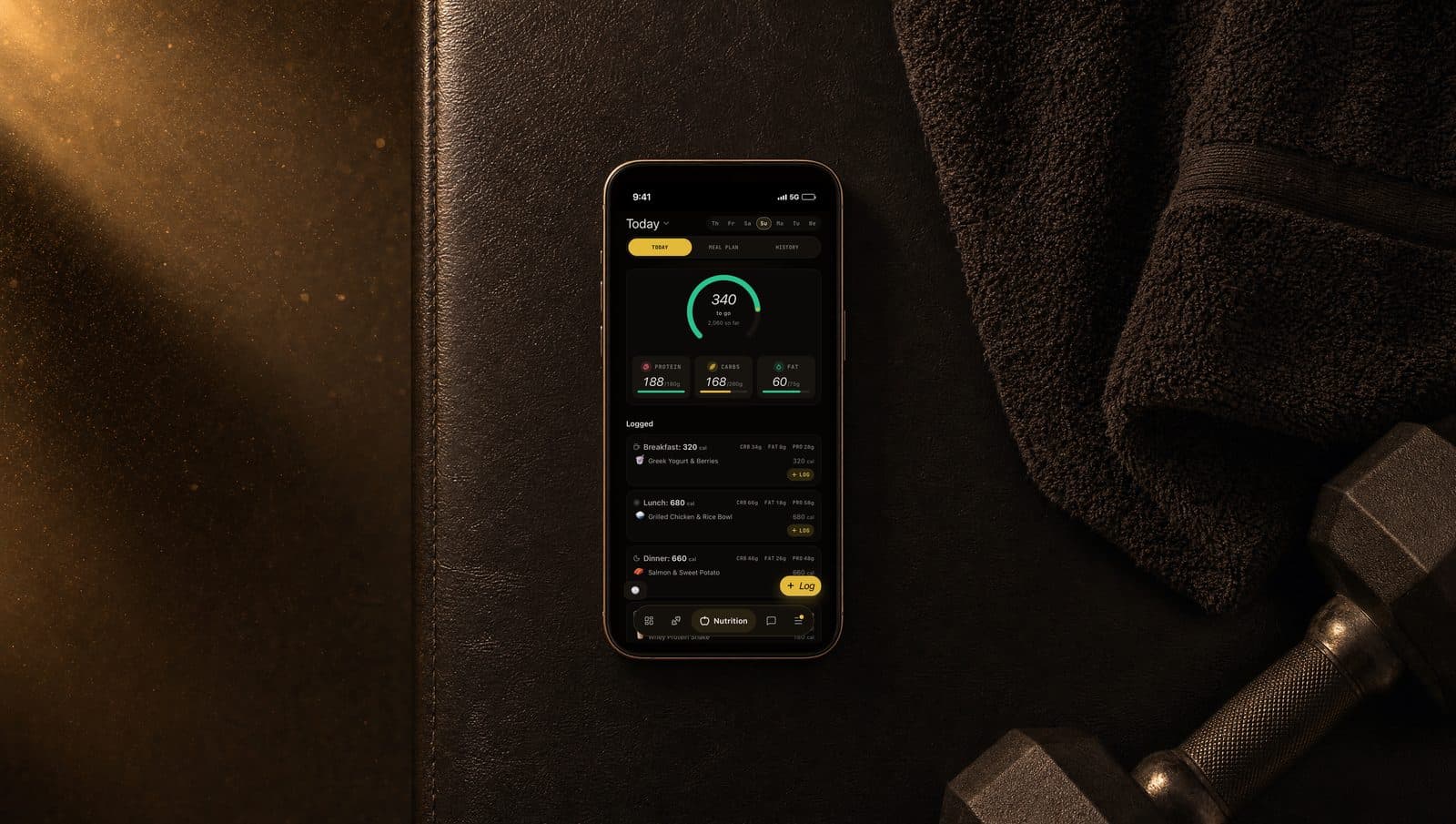
Real-time macro bars. Daily progress for calories, protein, carbs, and fat update instantly. You see where you stand at any moment in the day.
Weekly nutrition adherence. The engine calculates how closely your actual intake hit your prescribed targets. That number feeds the weekly adjustment pipeline. Low adherence might dial back training volume (you don't have the fuel for hard sessions). High adherence with stalled weight loss might prompt a calorie adjustment.
Coach can reference your actual food. Ask "how was my protein this week?" and the coach pulls your real data, not a guess. If it spots a pattern (consistently low protein on weekends, say), it brings it up.
Proactive nudges. If your daily intake trends significantly over target or significantly under protein, the coach may send a proactive message before the day ends so you can course-correct.
Six rules for accurate logs
Log as you eat, not from memory. Recreating a full day at 9pm is when calories disappear. 5 seconds per meal in the moment beats 5 minutes of guesswork at night.
Scan packaged food. Search returns generic entries that approximate. Barcodes return exact manufacturer data. The difference adds up over a week.
Weigh calorie-dense foods. A food scale matters more for nuts, oils, cheese, and rice than for vegetables. Eyeballing oil is how 200 calories slip in undetected.
Edit the photo AI's guesses. Review the macros it returned. If the AI estimated 150g of rice and your plate looks closer to 200g, change the number. The photo is a starting point, not the final answer.
Don't skip snacks. That handful of almonds. The splash of cream in your coffee. The "just one cookie" at 3pm. Untracked calories hide in the smallest entries.
Pick a consistent unit. If you measure rice in cups, always cups. Switching between units across entries makes weekly patterns hard to read.
What to do next
Open the Meal Plan tab. Tap the log button.
If you're following your plan today, tap the meal in your plan and you're done in one tap. If you ate something else, search, scan, or snap whatever's fastest.
Your daily macro bars update the second you save.