Customize Your Meal Plan Until It Fits Your Actual Life
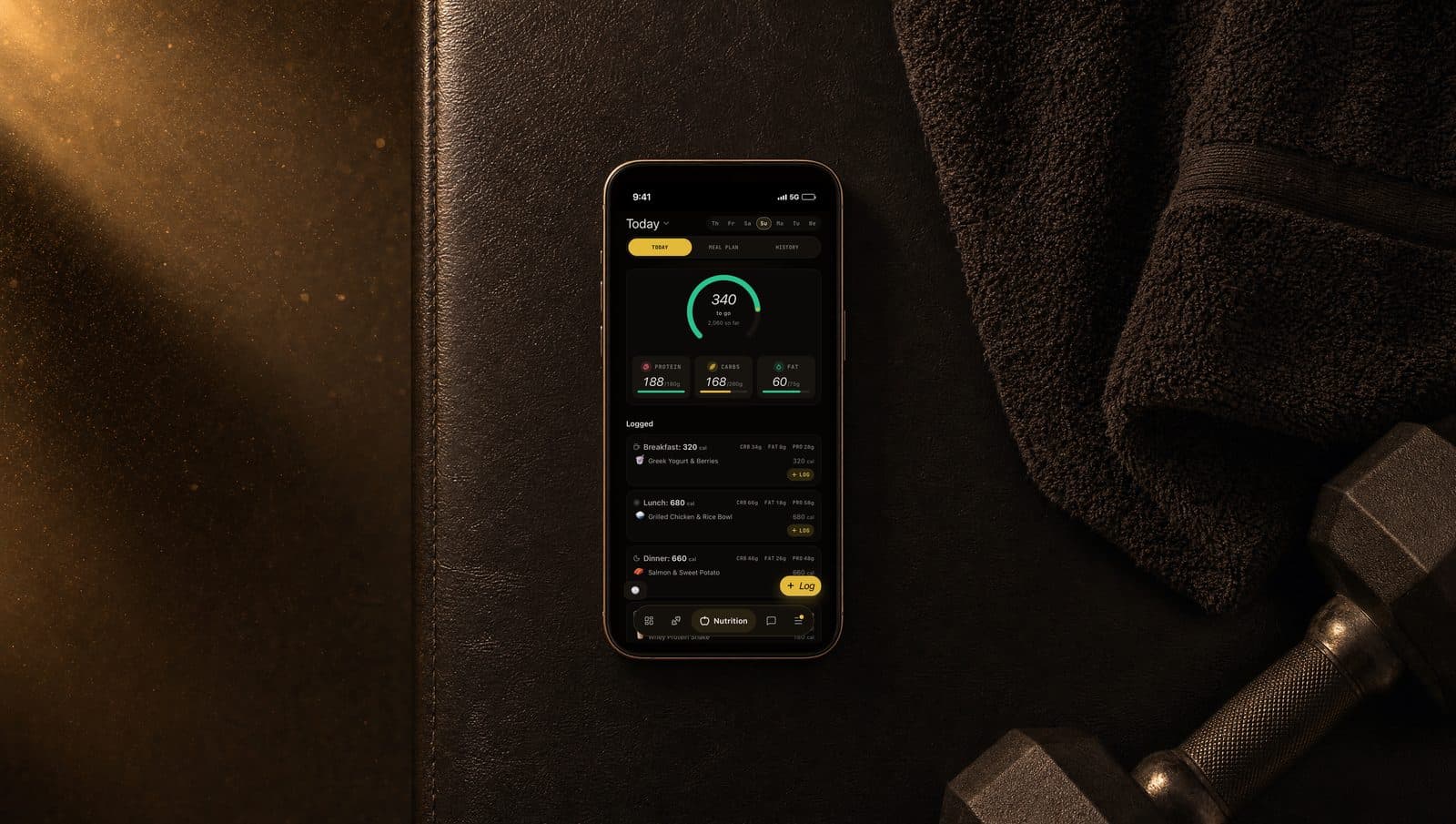
Customize Your Meal Plan Until It Fits Your Actual Life
A meal plan you can't stick to is worth zero calories.
The best macro split in the world doesn't matter if Wednesday's lunch makes you gag, or if you don't have a stovetop this week, or if you just decided to go vegan.
Your plan has four customization levers. Use them. They're built so you can change anything (a single meal, a whole week, your preferences, your macros) without breaking the math.
Meal Plans require Standard or Concierge tier. Here's everything you can change.
Swap a single meal in two taps
You hate Wednesday's lunch. Don't scrap the week. Swap that one meal.
Open the meal card and tap Swap. The app returns a set of alternatives from the verified catalog. Every alternative matches two things:
Same meal type. Breakfast swaps with breakfast. Snack swaps with snack. No dinner salad at 7am.
Similar macros. Alternatives land within a tight range of the original meal's calories, protein, carbs, and fat. You see the full macro breakdown on each option so you can compare before choosing.
Tap Select on the alternative you want. The swap is instant. Daily and weekly macros recalculate automatically. The rest of your plan doesn't move.
Or ask the coach for something specific
The one-click swap is the fast path. The coach chat is the precise path.
Open Coach Chat and describe what you want:
- "Swap my lunch today. I'm craving Mexican."
- "Replace tonight's dinner with something higher in protein."
- "I want a no-cook option for tomorrow's lunch."
- "Make Friday dinner under 600 calories."
The coach sees your current plan, your preferences, and your macro targets. It suggests alternatives that match your request without breaking the math. Approve a suggestion and the swap applies to your plan immediately.
(Coach Chat requires Standard or Concierge tier.)
Change your preferences once, change everything downstream
Preferences control what the engine is allowed to put on your plate. Set them during meal plan onboarding, edit them anytime from nutrition settings, and every new generation respects the new rules.
Diets: vegan, vegetarian, pescatarian, keto, or paleo. Set one and the entire catalog filters before the engine ever sees it. A vegan filter doesn't deprioritize animal products. It removes them. A steak cannot show up in a vegan plan.
Allergens: dairy, gluten, nuts, soy, eggs, shellfish, fish, peanuts, sesame, wheat. Flagged allergens are hard exclusions enforced at the data level. There is no "we'll try our best." If you flag it, you will never see it.
Cooking style: cooking (full kitchen), heating (microwave only), no-cook, fast food, or premade. Pick the ones that fit your life. You can pick multiple. If you toggle "heating" and "fast food," the engine only suggests meals that need a microwave at most or come from a restaurant counter.
Cuisine: American, Mexican, Asian, Italian, Mediterranean, and more. These are soft weights instead of hard filters. The engine prioritizes your preferred cuisines but will include others when needed to hit macros or maintain variety.
Meals per day: anywhere from 3 to 5 including snacks. Prefer three big meals? Set three. Graze throughout the day? Bump to five and your calorie budget distributes across smaller meals.
There's also a healthy-options-only toggle. Useful when you've selected fast food as a cooking style but want to avoid the worst items on the menu.
Regenerate the whole plan when one meal isn't enough
Sometimes the right move is a fresh week. Two ways to do it:
From nutrition settings, tap Regenerate Meal Plan.
Via Coach Chat, say "generate me a new meal plan" or "give me a completely fresh plan."
Either path triggers the full generation pipeline. The new plan respects every preference you have set. It also obeys the 14-day variety rule: meals from your previous plan are excluded from the new plan so the second week doesn't look like the first.
Best time to regenerate: after a major lifestyle change. Switched from cooking to premade. Started a new restriction. Got tired of the current rotation. Hit Regenerate and move on.
The plan rebuilds within seconds.
Override your macros when you want different numbers
Your calorie and protein targets are calculated from your profile (weight, activity, goal). Those numbers are a starting point. If you want different ones, ask the coach.
- "Set my protein target to 180 grams."
- "Cut my calories to 1,800 per day."
- "Increase my carbs by 30 grams."
The coach applies the change and sets a custom macros override on your profile. The override flag tells the system to preserve your manual targets. Without it, your macros would recalculate automatically every time your weight changes.
Want to revert to the calculated values? Say "reset my macros to calculated" and the coach removes the override.
What stays intact no matter how much you customize
Every customization tool runs through the same nutrition engine.
When you swap one meal, the replacement matches the original's macro contribution.
When you regenerate, the new selections optimize against your daily targets.
When you change a preference, the catalog re-filters before any selection happens.
You can swap three meals a day, switch from keto to vegan, and change your cooking style from full-kitchen to fast-food only, and your plan's macro accuracy stays intact. The flexibility doesn't cost you the math.
What to do next
Open the Meal Plan tab. Pick the meal you've been dreading. Tap Swap. Replace it.
If the swap alternatives aren't speaking to you either, open Coach Chat and describe what you actually want. The coach has access to the same catalog and can target it more precisely than the auto-swap can.